
Aceit Toolbar EN
Useit Consulting Sweden AB · EEdge MV3
Accessibility inspection toolbar. Highlight page structure and identify potential issues during manual reviews.
截图
简介
Aceit Toolbar is a browser extension that supports hands-on accessibility reviews of web interfaces. It gives you a clear overview of a page's structure and highlights potential issues that may affect screen-reader users, keyboard users and people who rely on customised text spacing.
Aceit Toolbar gives you the groundwork for an accessibility audit: inspect the structure of a page and see where it may depart from WCAG and EN 301 549. That is just as useful whether the work has to meet Section 508, the European Accessibility Act, the Web Accessibility Directive or other legislation. The toolbar points to what needs reviewing - the judgement is yours.
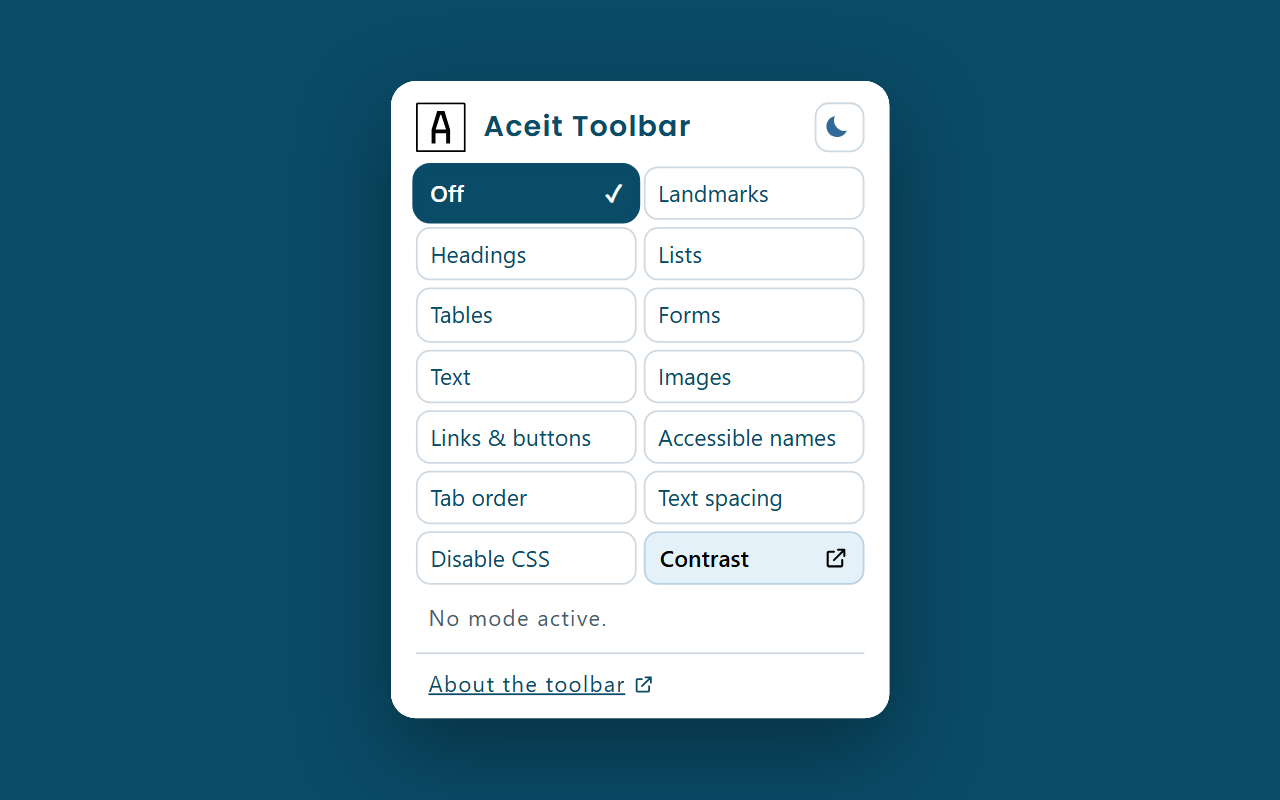
The toolbar provides ten inspection modes for landmarks, headings, lists, tables, forms, text, images, links and buttons, accessible names and keyboard tab order. Two action modes apply the WCAG 1.4.12 text-spacing values or turn off reachable page styles to support a review of content and reading order.
Valid explicit WAI-ARIA roles can replace native HTML semantics, making role-based structures and semantic overrides easier to inspect. The toolbar supports manual testing; it does not replace testing with the browser's accessibility tree or a screen reader.
The popup also includes a shortcut that opens Useit's standalone contrast checker in a separate window.
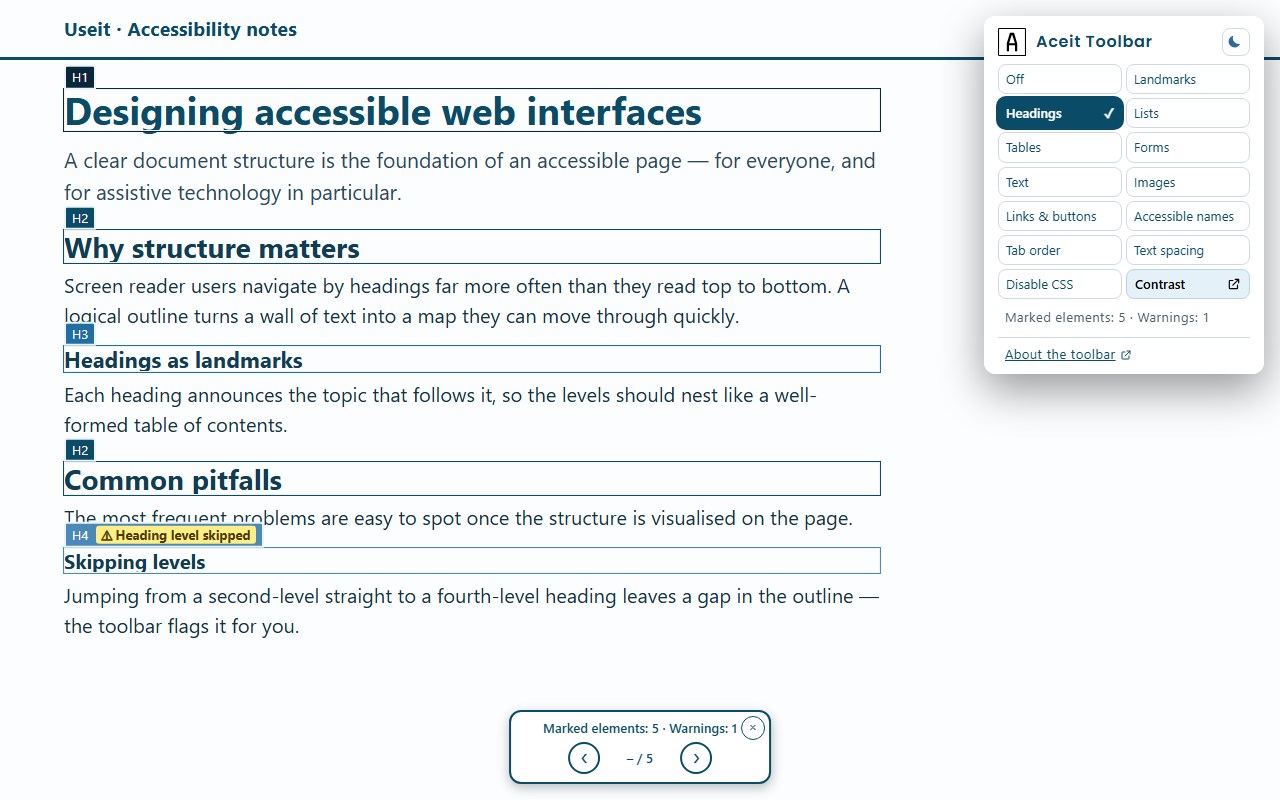
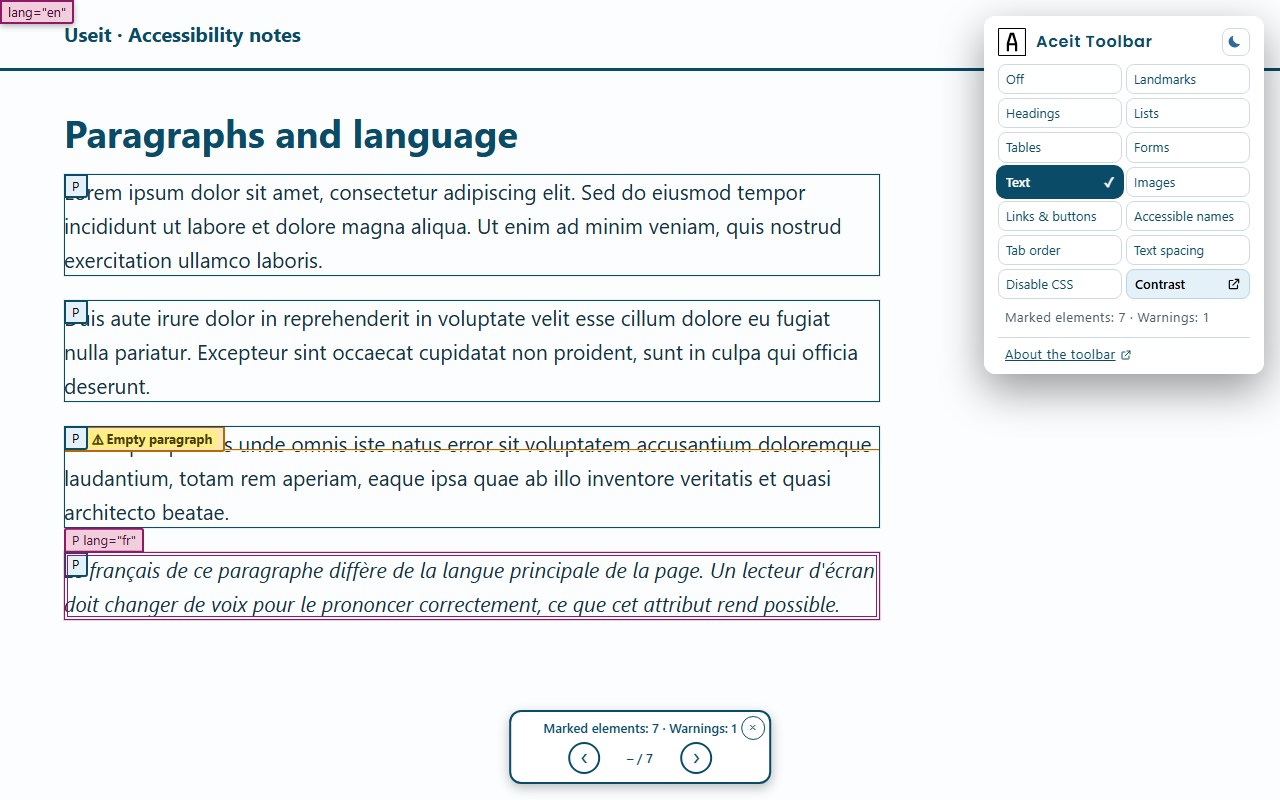
The inspection modes mark relevant elements directly on the page with clear colours and labels. They also flag potential issues such as skipped heading levels, missing alt text, links without an accessible name and tables without header cells. A floating in-page navigation bar steps through the findings in order and announces them to screen readers.
Privacy and security:
- Manifest V3 and readable source, with no bundling, minification, transpilation, remote code or runtime dependencies
- Only the activeTab and scripting permissions are required; no access to every site you visit. Host access to a single domain can be granted when a page serves its dialog from an external frame, and the extension revokes it itself when the inspection ends
- Access starts only after you invoke the extension and is limited to the active page and reachable same-origin frames; cross-origin frames are not inspected unless you grant access to that specific domain when offered
- Page content and inspection results are processed locally, not retained, transmitted, sold or shared
- No telemetry, analytics, advertising or automatic network requests
- Documentation and the contrast checker open external websites only when you choose them; no inspected page data is sent to those sites
- The only persistent value is your light/dark theme choice, stored locally in the extension
Available in English, Swedish, Norwegian, German, French and Spanish.
Aceit Toolbar is developed by Useit Consulting as a free tool for teams doing hands-on accessibility work.
Aceit Toolbar 是做什么的
Aceit Toolbar 是一款面向 Edge 的实用工具类扩展,主要用来解决浏览器里某类具体的小问题。官方对它的介绍是:Accessibility inspection toolbar. Highlight page structure and identify potential issues during manual reviews.在微软 Edge 加载项商店上,它当前版本 1.3.3,评分 5(1 人评价),约 53 名用户。
适合什么人用
从功能定位看,Aceit Toolbar 更适合想补上浏览器原生缺失功能的用户。如果你平时只是偶尔遇到相关需求,用浏览器自带功能也能凑合;但如果这件事每天都发生,装一个专门处理它的扩展通常比手动操作省事得多。
怎么安装 Aceit Toolbar
- 打开微软 Edge 加载项商店上的官方页面;
- 点「添加到浏览器」并确认权限提示;
- 装好后在扩展列表里固定图标,方便随时开关。
本站只做索引与介绍,安装包来自官方商店。如果商店页面提示当前地区不可用,说明该扩展未在你所在区域上架。
常见问题
Aceit Toolbar 是免费的吗?
Aceit Toolbar 在微软 Edge 加载项商店免费提供下载。它是浏览器扩展,装上就能直接用,不需要注册账号。
Aceit Toolbar 安全吗?
它只申请了 0 项权限,范围比较克制,没有申请「读取所有网站数据」这种大权限。
Aceit Toolbar 支持哪些浏览器?
当前收录的版本来自微软 Edge 加载项商店,适用于 Edge。同一个扩展在其他商店可能有对应版本,但功能与版本号不一定相同。
怎么卸载 Aceit Toolbar?
在扩展管理页找到 Aceit Toolbar,点移除即可。它在本地保存的设置会一起清掉,不会残留数据。
权限清单 来自 manifest.json 原文
接口权限 2
activeTabscripting