
A-S-S (Auto Screen Shooter) EN
Amiplay Co.,Ltd. · EEdge MV3
Capture the current tab or full page as PNG or PDF. Optional interval auto-capture (premium). Auto Screen Shooter.
截图

简介
A-S-S (Auto Screen Shooter) helps you save what you see in Microsoft Edge—without leaving the browser. Full page screen capture. Go full page.
CAPTURE OPTIONS
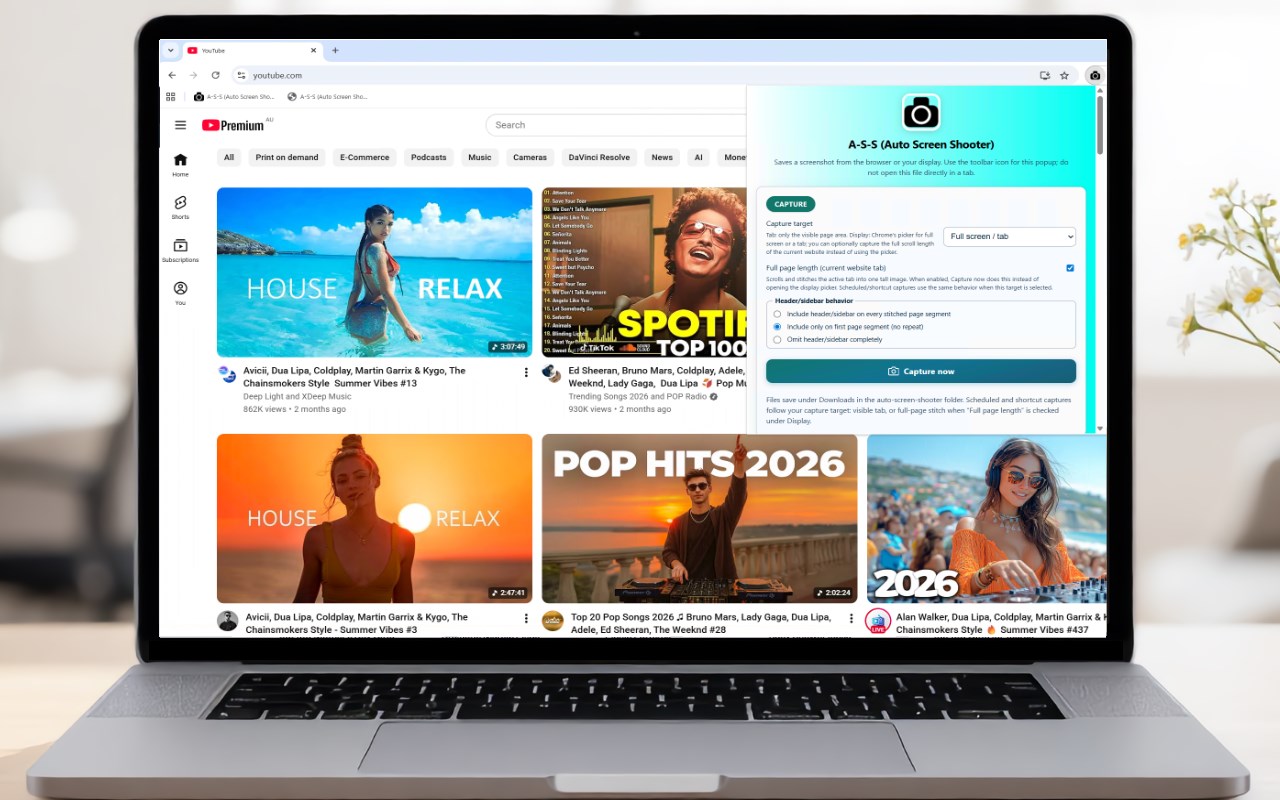
• Current tab — saves the visible viewport as a sharp image.
• Full page (current website) — scrolls the active tab and stitches one tall capture. You can control how fixed headers or sidebars appear across segments (repeat, first segment only, or omit).
• Full screen / tab — uses the browser’s display picker so you can capture a monitor, a window, or a tab (where the OS allows). When “full page length” is enabled for this target, scheduled or shortcut captures use the stitched full-page path instead of opening the picker.
OUTPUT & FILES
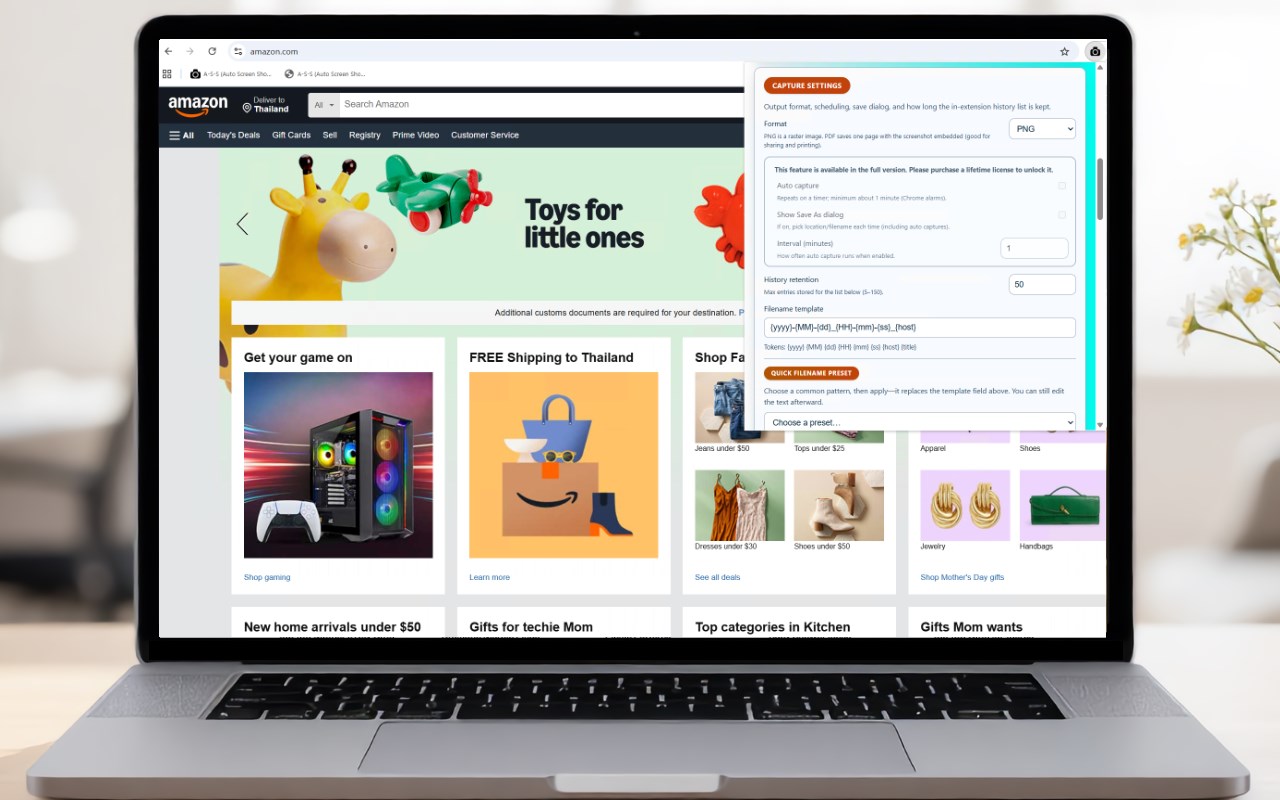
• Export as PNG or PDF. Large captures may be scaled or split across PDF pages so files stay reliable and viewable.
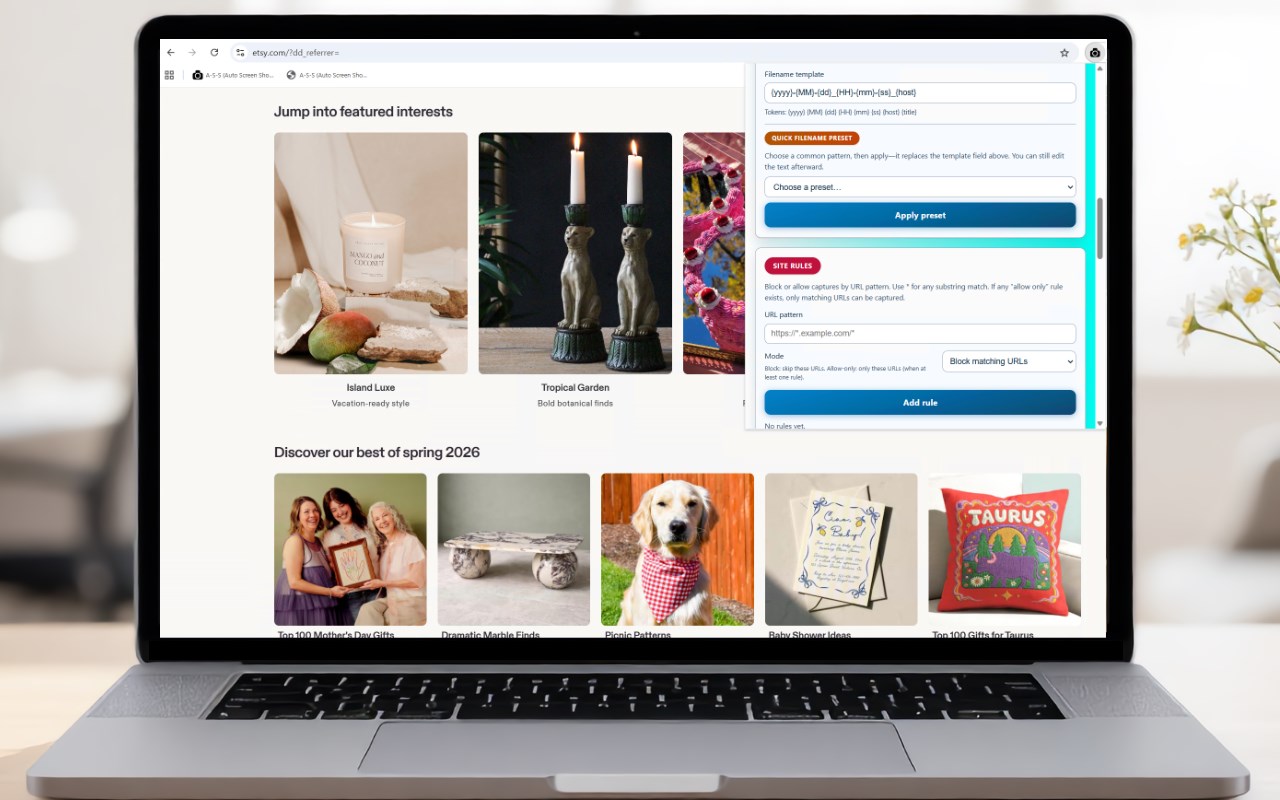
• Files are saved under your Downloads folder (default subfolder: auto-screen-shooter). Use the filename template with tokens such as date, time, hostname, and page title, plus quick presets in the popup.
ORGANIZATION & CONTROL
• Site rules — block captures on matching URLs, or “allow only” matching sites.
• Capture history in the popup — review recent saves, export history as JSON, or clear it. Adjustable retention (within the limits shown in the extension).
CONVENIENCE
• Toolbar popup for one-click “Capture now.”
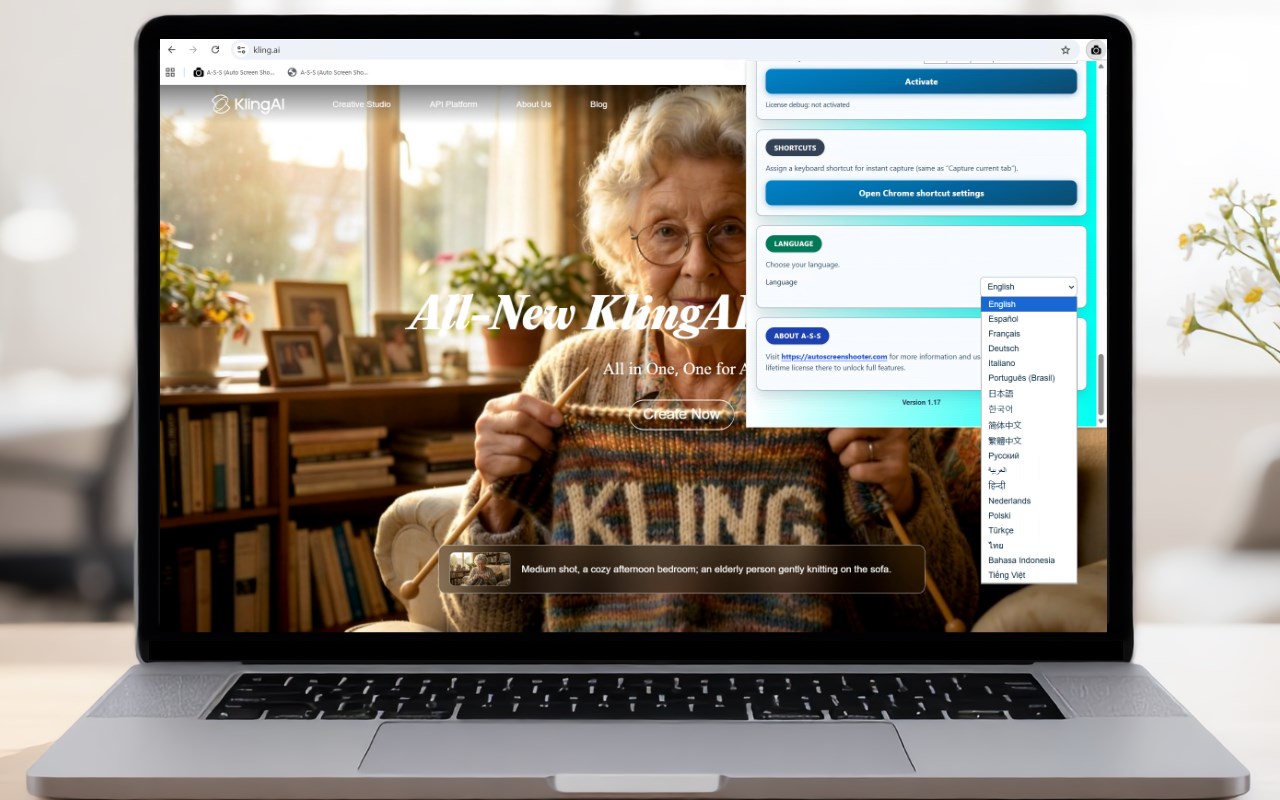
• Optional keyboard shortcut (configure under edge://extensions → Keyboard shortcuts).
FREE VS OPTIONAL LICENSE
• Without a license, captures include a small footer credit (“SHOT by AutoScreenShooter.com”) on the image/PDF.
• Activating a license removes that branding and unlocks interval-based auto-capture and the optional “Save As” prompt before each save.
LIMITATIONS
• Like other extensions, this cannot capture restricted built-in pages (for example edge:// URLs), the Edge Add-ons listing itself, or other pages where the browser blocks capture APIs.
If you need help or want to manage a license, use the support or website details shown on the store listing.
A-S-S (Auto Screen Shooter) 是做什么的
A-S-S (Auto Screen Shooter) 是一款面向 Edge 的效率工具类扩展,主要用来管住注意力、屏蔽干扰站点、记录时间。官方对它的介绍是:Capture the current tab or full page as PNG or PDF. Optional interval auto-capture (premium). Auto Screen Shooter.在微软 Edge 加载项商店上,它当前版本 1.17,评分 5(1 人评价),约 5 名用户。
适合什么人用
从功能定位看,A-S-S (Auto Screen Shooter) 更适合想专注工作学习、减少无效刷网页的用户。如果你平时只是偶尔遇到相关需求,用浏览器自带功能也能凑合;但如果这件事每天都发生,装一个专门处理它的扩展通常比手动操作省事得多。
怎么安装 A-S-S (Auto Screen Shooter)
- 打开微软 Edge 加载项商店上的官方页面;
- 点「添加到浏览器」并确认权限提示;
- 装好后在扩展列表里固定图标,方便随时开关。
本站只做索引与介绍,安装包来自官方商店。如果商店页面提示当前地区不可用,说明该扩展未在你所在区域上架。
常见问题
A-S-S (Auto Screen Shooter) 是免费的吗?
A-S-S (Auto Screen Shooter) 在微软 Edge 加载项商店免费提供下载。它是浏览器扩展,装上就能直接用,不需要注册账号。
A-S-S (Auto Screen Shooter) 安全吗?
它只申请了 0 项权限,范围比较克制,没有申请「读取所有网站数据」这种大权限。
A-S-S (Auto Screen Shooter) 支持哪些浏览器?
当前收录的版本来自微软 Edge 加载项商店,适用于 Edge。同一个扩展在其他商店可能有对应版本,但功能与版本号不一定相同。
怎么卸载 A-S-S (Auto Screen Shooter)?
在扩展管理页找到 A-S-S (Auto Screen Shooter),点移除即可。它在本地保存的设置会一起清掉,不会残留数据。
权限清单 来自 manifest.json 原文
接口权限 8
activeTabalarmsbookmarksdesktopCapturedownloadsscriptingstoragetabs